Getting Started with Windows 11 2024 Update
Learn the latest updates to Windows 11.
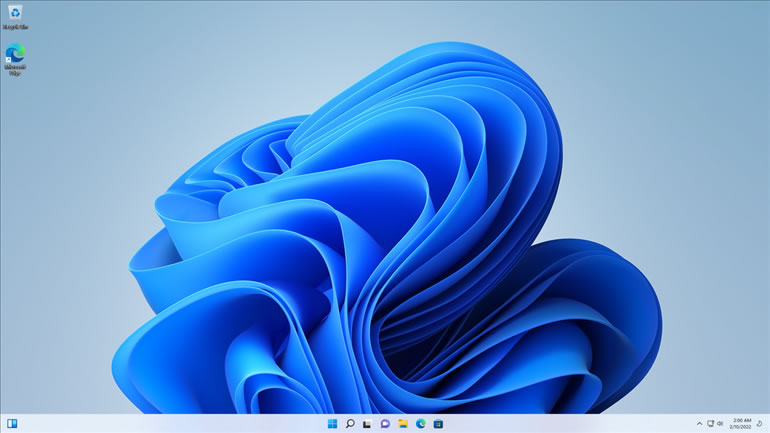
The Windows 11 2024 Update version is identical to Windows 11 released in 2021, including all the updates Microsoft released since that initial release date. This 2024 update focuses on making the power of AI (artificial intelligence) freely available to everyone. The AI in Windows 11 2024 Update is called Copilot in Windows, Here’s what you can achieve with Copilot:
- Instant answers and clever conversations: Engage with Copilot Chat to swiftly get answers to a wide range of questions. I get you started with that task later in the chapter.
- Effortless typing: Have something typed at a remarkable speed — around 1,000 words per minute — with zero errors, even on unfamiliar topics.
- Visual creations: Describe any image you envision using plain English, and Copilot Designer will bring it to life, regardless of your artistic abilities.
- Easy videos and slideshows: Craft videos and slideshows without needing advanced video-editing skills.
- Professional-grade social media content: Quickly produce polished posts and videos for platforms such as Facebook, Instagram, and YouTube.
- Natural language commands: Get instant answers and boss around AI using your voice and everyday language.
- Quality-of-life enhancements: Honestly, I’m not exactly sure what that means, since I never thought of the quality of my own life as being related to computers or Windows. But apparently it has to do with improvements in battery usage, seamless phone connectivity, and enhanced teleconferencing via Teams.
You can open Copilot in Windows any time by clicking its icon on the taskbar (and shown in the margin). If you want to put Copilot back into hiding, click X (close) in the top-right corner of Copilot’s window.